Tag
Powerpoint Addin
 PowerPoint
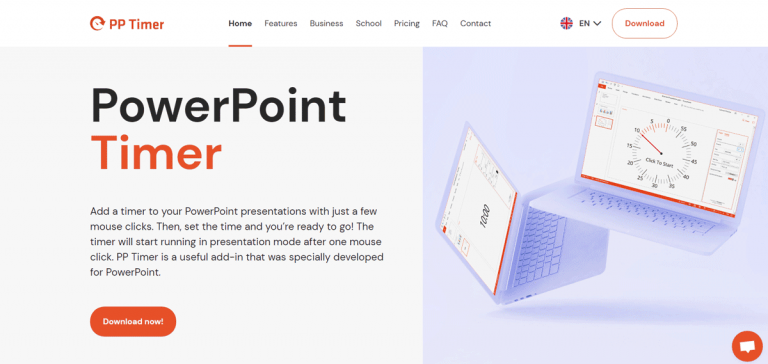
PP Timer: Add a Digital or Analog Timer to PowerPoint Slides
Sometimes you need to announce a break during a presentation. However, people can lose track of time during a tea break or an informal chit-chat with…
How To Add Tabs For PowerPoint
One of the few things that can really improve the functionality of Microsoft PowerPoint is a tabbed interface. Unfortunately, this is not available by default. Tabs…
Free Stock Photos with Pixabay Plugins for Adobe Photoshop and Microsoft Office
Pixabay is a famous service which offers free stock photos which can be used for personal or commercial use without attribution. The high-resolution photos available at…
Best Stock Image Add-ins For PowerPoint
The recent editions of Microsoft PowerPoint enable end users to directly search and insert images from the web. However, the images available via this feature often…
Best PowerPoint Add-ins For Professional Presenters
Professional presenters have a number of requirements which default PowerPoint add-ins cannot cater for. This is why there are a number of add-ins which can help…
How To Edit Google Drive Files in Microsoft PowerPoint, Word & Excel
Google isn’t any stranger to introducing unexpected surprises. In a recent move, Google released a Google Drive Plugin for Microsoft Office. This free plugin can be installed…
Make PowerPoint Presentations With Quizzes & Apps With Office Mix
PowerPoint presentations are used extensively for various purposes such as educational, business and a lot more. These have gained much popularity these days and with the…
Tools And Tips For Using YouTube Videos in Presentations
YouTube videos are an extremely useful method of presenting the most complicated details in the form of short videos. Many organizations use YouTube to share their…
How To Insert YouTube Videos in PowerPoint Without Embed Code
There was a time when we could insert YouTube videos in PowerPoint by simply copying the embed code of the video. However, ever since the YouTube…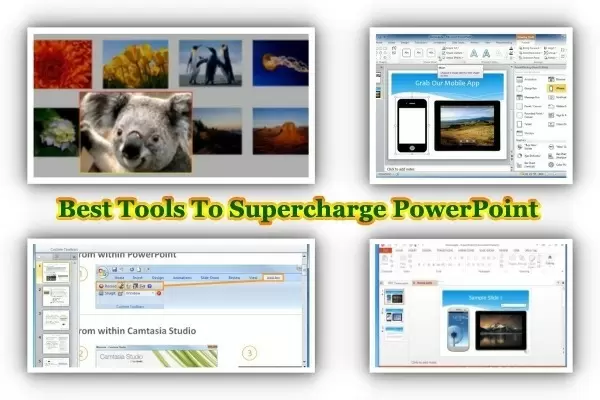
Best Tools To Supercharge PowerPoint With New Features
While PowerPoint on its own provides a wide array of features for creating and presenting your ideas with static and animated slides, there are still many…
Create Web And Mobile Ready Video Presentations With iSpring Pro
Making video presentations may require using a mix of various applications or to use complex and resource intensive application suites. While you can create high-quality video…