Tag
Shapes

How to Make a Wavy Line in PowerPoint
Wavy lines are a great way to add a creative and dynamic touch to your PowerPoint presentations. They can be used for design elements, dividers, or…
How to Draw Curved Lines in PowerPoint
If you need to design or draw curvy lines in PowerPoint for your next presentation then here we will show you how to draw these curved lines… Shapes
Simple Shapes in PowerPoint
You can use shapes in PowerPoint to design great graphics and diagrams for your presentations. You can choose from a variety of PowerPoint shapes to be…
Animated Rhythm PowerPoint Template
If you want to add something special to your slides, you might want to add some rhythm. Shapes of Rhythym or the Animated Rhythm PowerPoint Template…
How to Create Sticky Notes in PowerPoint
A sticky note was initially designed by 3M, also known as Post It. It is a small piece of paper stationery with a re-adherable adhesive strip…
Google Drawings Makes Drawing Online As Easy As It Can Be
If you have used Microsoft Paint or other rudimentary drawing apps, you would know that digital drawing can be a lot of fun. Moreover, you can…
Animated Source Arrows Template For PowerPoint
Animated Source Arrows Template for PowerPoint by Presenter Media is a symbol and arrow themed template which comes with sample diagrams depicting arrows originating from source…
Crop Photos into Shapes And Symbols For Presentations On iPhone
When trying to create unique presentations, it can be quite effective to use novel ideas. Be it the use of animated PowerPoint Templates, PowerPoint slides with…
How to Make Image Transparent in Microsoft PowerPoint 2010
In PowerPoint you can make images look transparent by changing the transparency level. Here we will show you how to change the transparency level of your…
How to Create Business Card in Microsoft Publisher
Successful marketing requires communicating the right image of your company to your potential customers and then continuing the relationship after the initial purchase. A key tool…
Creating a Letterhead in Microsoft Publisher
Microsoft Publisher 2010 comes with installed letterhead templates and online letterhead templates. With Publisher, a user can create letterhead designed for special occasions and holidays, as…
How to Create a Custom Connector Line using PowerPoint Shapes
If you need to connect shapes using lines in PowerPoint then the connector lines can be very helpful. You can use anchors in shapes to connect…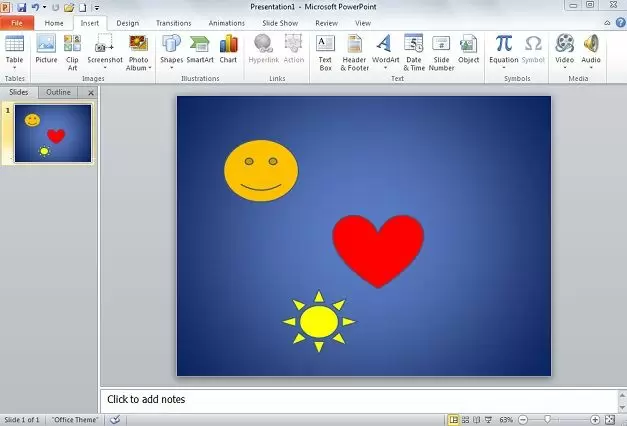
How to Align Shapes in PowerPoint 2010
If you want to line up a number of shapes in one of your slides in PowerPoint, there is an automatic way to do it and…
How to Insert a Simple Shape in PowerPoint 2010
PowerPoint shapes are a powerful feature that you can use to design awesome slides. Moreover, you can combine different shapes to make unique PowerPoint graphics for…
How to Create Jigsaw Puzzle Shapes in Microsoft PowerPoint
A jigsaw puzzle is a compelling presentation tool. By piecing together the parts or your project, organization or product in PowerPoint, you help make a critical…
Create a Calendar in PowerPoint 2010 with Shapes and Tables
The Microsoft PowerPoint is certainly a best choice for creating and distributing slide shows, but do not discount the PowerPoint for other purposes. PowerPoint can help… Articles