Tag
Design
 PowerPoint Tricks
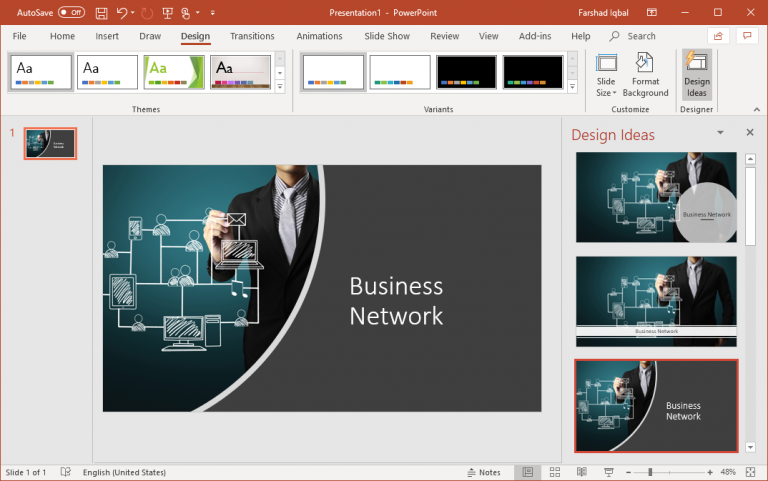
How to Automatically Design Slides with PowerPoint Designer
Designing a professional looking slide can be difficult. Even if you’re an advanced PowerPoint user and know your way around the various design options in PowerPoint,…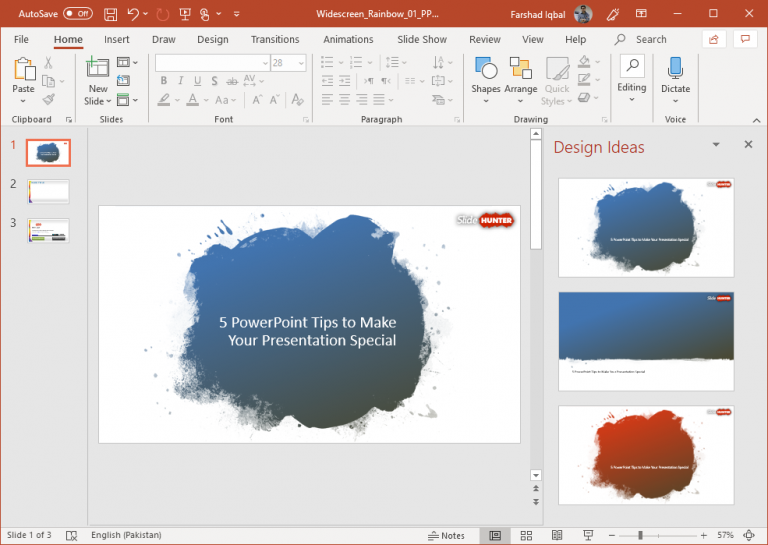 PowerPoint Tricks
5 PowerPoint Tips to Make Your Presentation Special
There are a number of things that you can do to make your presentation special. Adding a video, zooming into content, and using the Office 365… Shapes
Simple Shapes in PowerPoint
You can use shapes in PowerPoint to design great graphics and diagrams for your presentations. You can choose from a variety of PowerPoint shapes to be…
20+ Best Free PowerPoint Backgrounds
Here is a list of the best free PowerPoint backgrounds with vivid colors and great to decorate your PowerPoint presentations. The free PowerPoint backgrounds can be used…
Design Graphics For Presentations On iPhone & iPad With Assembly App
Design graphics might seem like a very difficult thing to do for an average presenter who may not have the necessary skills to work on PhotoShop…
Canva: Design Awesome Presentations, Documents & Social Media Graphics
Every once in a while you come across a platform which is difficult to describe using a single word or phrase. Canva is one such oddity.…
Infographic Design PowerPoint Templates
Simple Design Jumpout is an animated infographic template for PowerPoint for making customizable infographic slides. This Infographic Design PowerPoint Template is meant for presenting presentation topics…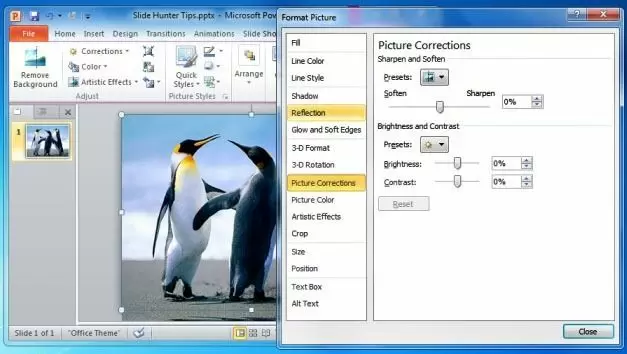
6 Creative Ways Of Using PowerPoint You Did Not Know About
The word PowerPoint immediately leads one to picture presentations, however, that’s not all this app is good for. PowerPoint is quite a powerful app and despite…
Design Interactive HTML5 Websites And Ads With Google Web Designer
If you are a web designer the chances are that you have been longing for a good resource that can seamlessly work across conventional computers, tablets…
Create Mockups For Mobile Devices In Two Easy Steps With MockUPhone
Making mobile device mockups can be a time consuming and laborious task, as making mockups can take hours, depending upon the application or web app you… Articles
Free Editable Charts in PowerPoint
Downloading free Editable Charts in PowerPoint is a good way to save time and money when you need to design your next PowerPoint presentation. Here you…
How to Make Image Transparent in Microsoft PowerPoint 2010
In PowerPoint you can make images look transparent by changing the transparency level. Here we will show you how to change the transparency level of your…
Create New Theme Fonts in PowerPoint 2010
Sometimes changing fonts in PowerPoint presentations may not look straightforward, especially if we want to keep the same style along all the slides. However, PowerPoint 2010…
Chess PowerPoint Template

Graph Paper PowerPoint Template
