Tag
YouTube
 PowerPoint Tricks
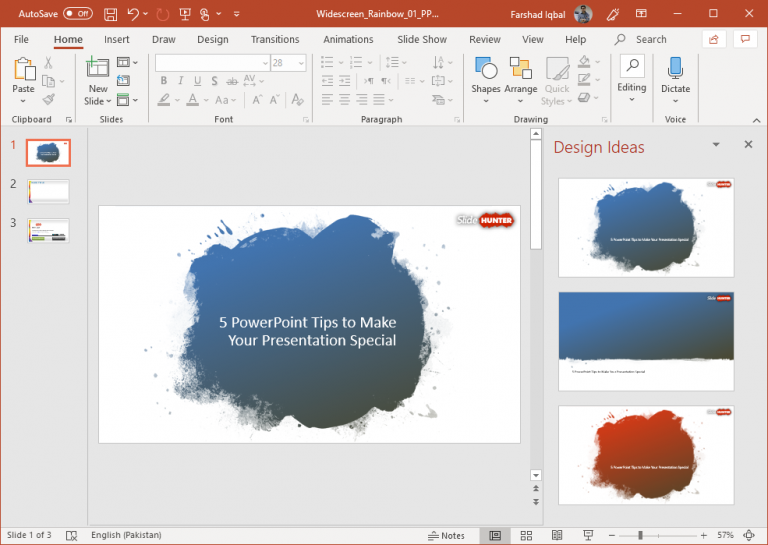
5 PowerPoint Tips to Make Your Presentation Special
There are a number of things that you can do to make your presentation special. Adding a video, zooming into content, and using the Office 365…
Best Live Streaming Platforms for Going Viral
Many presenters are famous for presenting Live presentations. Then there are people who simply like going viral by doing something out of the box by broadcasting…
BB FlashBack Express: Best Free Screen Recorder For Making Screencasts
Over the years I have tested hundreds, if not thousands of applications. When it comes to screen recording tools, the price for an application or suite…
Get Feedback For Specific Parts Of YouTube Videos With Comment Bubble
YouTube channels are one of the spectacular ways to promote products, create brand awareness, and showcase talents via video tutorials, as you also get reviews about…
How To Create GIFs For Presentations Using Imgur GIF Creator
In order to get the best out of your presentation you need to strike the balance between providing relevant information and making your presentation more engaging…
Tools And Tips For Using YouTube Videos in Presentations
YouTube videos are an extremely useful method of presenting the most complicated details in the form of short videos. Many organizations use YouTube to share their…
How To Insert YouTube Videos in PowerPoint Without Embed Code
There was a time when we could insert YouTube videos in PowerPoint by simply copying the embed code of the video. However, ever since the YouTube…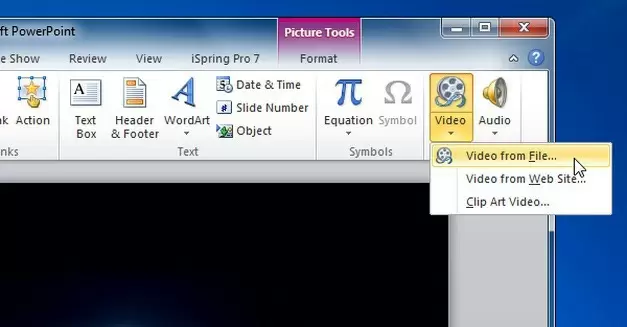
Best Methods To Insert Videos in PowerPoint Presentations
Adding videos to PowerPoint presentations can help you perform half the job of presenting your ideas in a persuasive manner; as videos can have a deep…
ScreenFlow: Create High Quality Tutorials, Screencasts And Presentations On Mac
When it comes to making screencasts and video presentations on Mac, there are very few tools that provide the desired output quality. Some of the most…
Insert YouTube Videos in Microsoft Word To Present Presentations
While Microsoft PowerPoint is considered as the only presentation application in the MS Office suite, we can also use other Office apps for this purpose. This…
How To Create GIF Animations From Vimeo And YouTube Videos
In a previous post we showed you “How To Convert Video To GIF For PowerPoint Presentations”. While the process mentioned in our former post included the…
Pixt: Organize And Share Photos From Facebook, Flickr And Picasa
A picture is worth a thousand words and if you want to share your photos, then Pixt is the best platform for you. The founders of…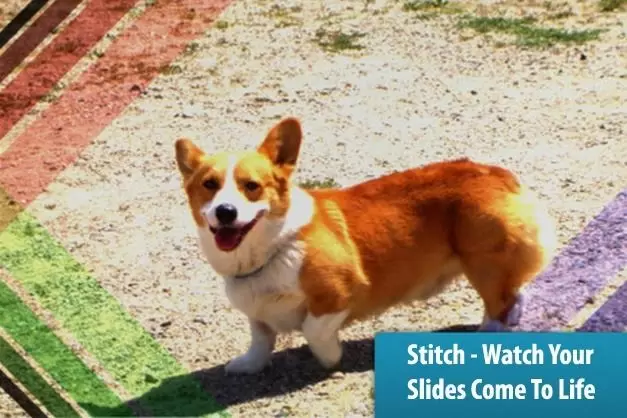
Create Amazing Video Presentations On iPhone And iPad With Stitch
While PowerPoint is perhaps the most common presentation platform, sometimes it can be more effective to use an alternative application. Making effective presentations isn’t easy and…