Category
Design & Layout

Find the Best Color Schemes for PowerPoint using Free Color Tools
Using free color tools like Colllor you can find good color schemes to be used in your presentations or designs. This free tool provides you a…
Easily Remove Background From Images With Clipping Magic
We often come across images from the web that we wish to use for our personal projects and PowerPoint presentations. However, before these images can be…
Canva: Design Awesome Presentations, Documents & Social Media Graphics
Every once in a while you come across a platform which is difficult to describe using a single word or phrase. Canva is one such oddity.…
Adobe Lightroom Mobile for Android
Adobe finally decided to give Android users the power of their amazing editing software, Lightroom. Yes, it is now available for your Android phone with most…
Design Interactive HTML5 Websites And Ads With Google Web Designer
If you are a web designer the chances are that you have been longing for a good resource that can seamlessly work across conventional computers, tablets…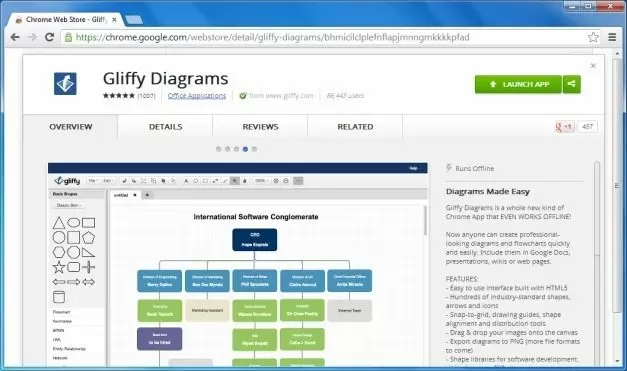
Create Mind Maps, Diagrams And Mockups in Chrome With Gliffy
Gliffy is a famous web app which has the most prestigious customers on its list including; Twitter, Adobe, Dell, Cisco, Pandora and others. This web app…
Create Color Themes From Images On iPhone With Adobe Kuler
Creating color themes isn’t easy and most people find it hard to bring their imagination to good use to create good themes. This maybe a huge…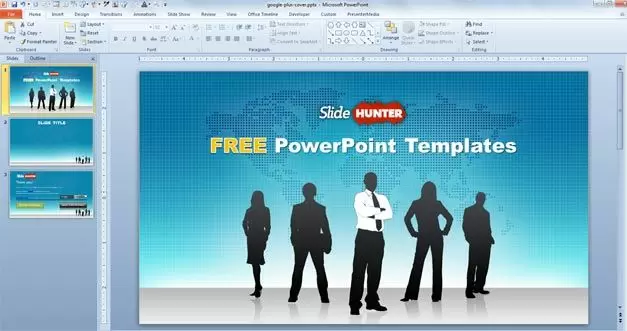
New Google Plus Cover Photo Dimensions and PowerPoint
Google is committed to make Google Plus a success and recently we could see that our profiles have changed the cover photo dimensions to a bigger…
How to Make Image Transparent in Microsoft PowerPoint 2010
In PowerPoint you can make images look transparent by changing the transparency level. Here we will show you how to change the transparency level of your…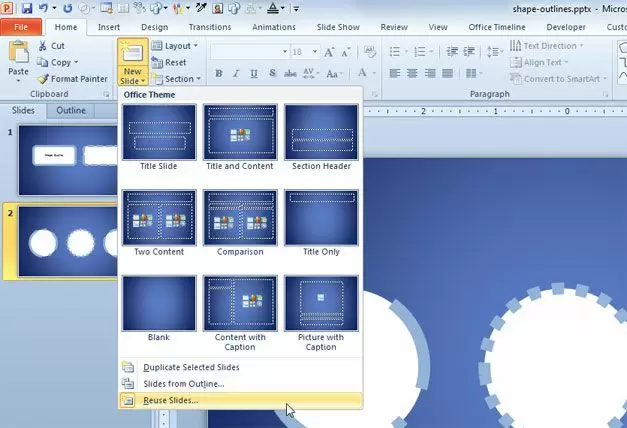
Reusing Slides in PowerPoint 2010
If you plan to reuse slides for your PowerPoint presentations then you will find interesting to learn more about the Slide Library. You can share and…
How to Use a Simple Background in PowerPoint 2010
In PowerPoint 2010 you can easily change the slide background or presentation background from the Design menu. Here we will show you how to change the…
How to Use Chart Layout in PowerPoint
PowerPoint provides a Chart layout tool that is used to communicate data graphically. Displaying charts in PowerPoint allows your audience to see the meaning behind the…
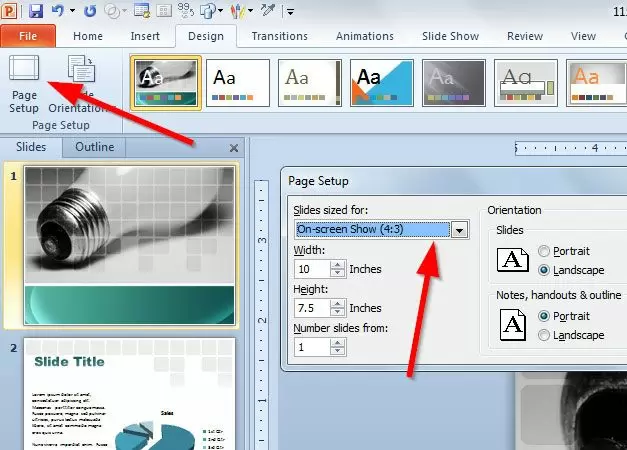
How To Change Default Template Size in PowerPoint 2010
If you use PowerPoint to make your presentations in a particular slide size, let's say 16:9 so it fits perfectly in a widescreen monitor, then you…