Category
Shapes
Learn how to use PowerPoint shapes to draw awesome graphics for your presentations and learn how to group shapes together using the grouping options or combine different shapes using the set operations like union, subtract or intersection. Download free Shapes for PowerPoint and PowerPoint templates using shapes like this doors PPT template or 3d cube.

How to Make an Equilateral Triangle in PowerPoint
When designing PowerPoint presentations, having a solid understanding of how to create and use geometric shapes effectively can elevate the quality of your slides. One such…
How to Make a Half Circle in PowerPoint
In presentation design, the inclusion of simple shapes can dramatically transform the visual appeal and effectiveness of your presentation. Among these shapes, the half circle can… Shapes
How to Add a Border to a Slide in PowerPoint
Adding custom borders to PowerPoint slides is a simple yet effective way to enhance your presentations. This article will walk you through the process and explore…
Editable Pentagon Diagram for PowerPoint

How to Create Sticky Notes in PowerPoint
A sticky note was initially designed by 3M, also known as Post It. It is a small piece of paper stationery with a re-adherable adhesive strip…
Pac-man Slide Template for PowerPoint

Bomb PowerPoint Template

Four Options Diagram for PowerPoint

Three Options Diagram for PowerPoint Presentations

Free Carrot Shape PowerPoint Template

Editable Hexagon Diagram for PowerPoint

Editable Octagon Diagram for PowerPoint

Editable Heptagon Diagram for PowerPoint

Editable Square Diagram for PowerPoint

Editable Triangle Diagram for PowerPoint
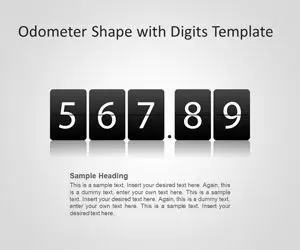
Odometer Shape with Digits PowerPoint Template

Pen PowerPoint Shape
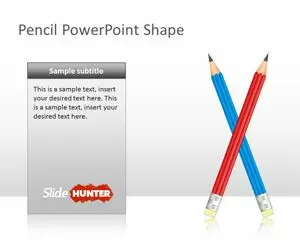
Pencil PowerPoint Shape

Test Tubes PowerPoint Shape

Pyramid Cone PowerPoint Shapes Template

How to Create a Custom Connector Line using PowerPoint Shapes
If you need to connect shapes using lines in PowerPoint then the connector lines can be very helpful. You can use anchors in shapes to connect…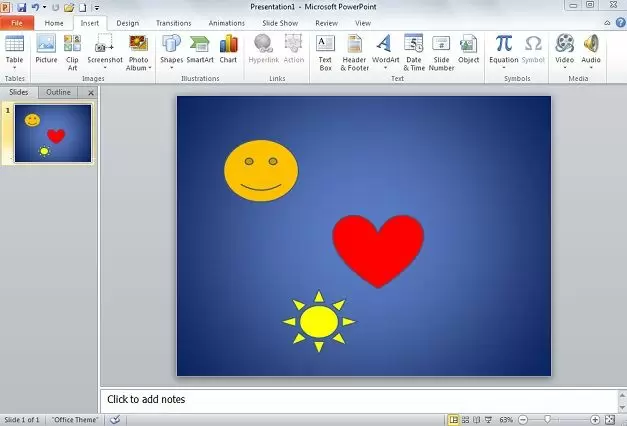
How to Align Shapes in PowerPoint 2010
If you want to line up a number of shapes in one of your slides in PowerPoint, there is an automatic way to do it and…
How to Make a 3D Cube in PowerPoint
If you are interested to make 3D Objects for your PowerPoint presentations or 3D PowerPoint templates then this quick guide will help you to convert your…