Home   PowerPoint Tutorials

How to Add Solid Fill to Shape in PowerPoint 2010

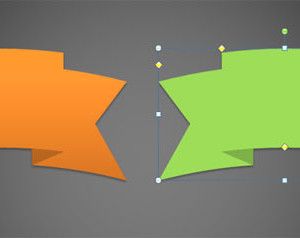
You can easily change the shapes background options in PowerPoint 2010 and choose the way to fill the shape with colors, gradient effects as well as using images or textures. Here we will show you how easily is to fill the shape with a solid color in PowerPoint 2010. To change the fill options right […]
How to Insert a Simple Shape in PowerPoint 2010

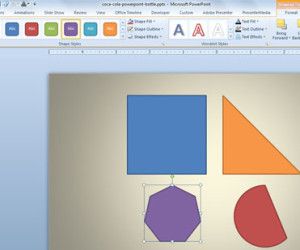
PowerPoint shapes are a powerful feature that you can use to design awesome slides. Moreover, you can combine different shapes to make unique PowerPoint graphics for your slides and use the format options to add shadow, change the shape properties like border or use a nice gradient instead of a solid fill color. To insert […]

Advertisement

How to Insert PDF File into PowerPoint 2010

The Insert function enables users to add various useful contents into PowerPoint, but absolutely it is far from enough. For making a great PowerPoint presentation and to insert a data document, usually in PDF file, PowerPoint allows to insert picture, photo album, video, audio, etc. directly, but you cannot insert PDF file that way, especially […]

Create a Chart in Microsoft Excel 2010

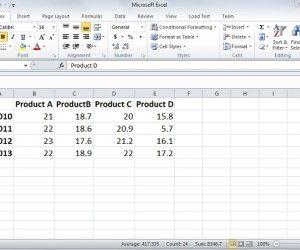
Charts and graphs are a great way of representing your data. Microsoft Excel offers almost every chart type and makes it easier to draw them so that your data can quickly understood in a graphical format. The chart or graph type will depend on the data for which the chart is going to plotted. The […]

Teaching with PowerPoint Presentations

PowerPoint Presentations in classrooms, were introduced to benefit both the learner and the educator. This was not only about matching steps with technology but also making learning easier and interesting. However, teaching with PowerPoint Presentations is a critical task in itself. Many choose to download the ready-to-use ones, or subscribe to some education related website. […]

Simple Tips to Make Effective Presentations

7 Simple Tips to Make an Effective Presentation

Preparing and demonstrating your presentation is a crucial technique. Not only is the co-ordination important but also the structure and planning of the presentation. You have been watching and creating presentations since your school days and now it has advanced to a more professional level. As much as the focus on the subject matter has […]

Advertisement