Home ย  PowerPoint Tutorials

Make PowerPoint Presentations With Quizzes & Apps With Office Mix

PowerPoint presentations are used extensively for various purposes such as educational, business and a lot more. These have gained much popularity these days and with the advancing technology this tool has also advanced a lot. Today, you are provided with various options with the help of which you can create tutorials with high quality videos […]

Create Amazing Maps in Excel with Power Map Add-in

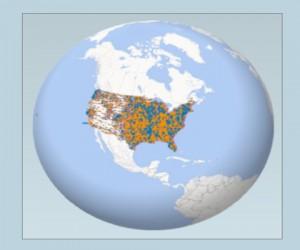
Power Map for MS Excel is a 3-dimensional data visualization tool that allows you to view the information in a different way. This wonderful tool by Microsoft allows you to have three dimensional view and discover insights that you might not be able to see with the two-dimensional charts & tables.

Advertisement

4 Amazing PowerPoint Alternative Presentation Apps

A presentation is considered as the best way to communicate your ideas to the target audience in an effective manner. Although PowerPoint is the best software tool to create amazing and impressive presentations, but there are times when you want to illustrate your ideas with more flair.

Create And Share Professional Looking Charts Online With ChartBlocks

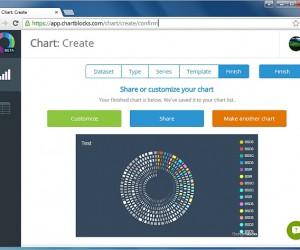
ChartBlocks is actually a web based service with the help of which beautifully looking charts can be created conveniently. Moreover, apart from sharing these charts online you can even download them in various file formats such as Microsoft Excel, PDF and vector graphic formats.

Screenr: Record Your Desktop For Making Video Presentations & Tutorials

There are many times when you need some effective solutions that can provide you with convenience and swiftness for making video presentations and various tutorials.ย Screenrย isย an open source tool which can help you record screencasts for making video presentations and tutorials.

Lighthouse PowerPoint Template With Video Animation

Sea, navigation, history and PowerPoint storyboards can be best made using attractive animations and the animation of a lighthouse might just help add some mystery and traction to your slides.

Advertisement