Global Leadership PowerPoint Template
Free Leadership PowerPoint template is a free blue background theme that you can download for Microsoft PowerPoint presentations with a nice blue background color and perfect to make presentations on leadership.
- Format
- .zip
- Downloads
- 6,712
About this template
Free Leadership PowerPoint template is a free blue background theme that you can download for Microsoft PowerPoint presentations with a nice blue background color and perfect to make presentations on leadership. You can download this free global presentation template for leadership to make business presentations in Microsoft PowerPoint 2010 and 2007, but also for PowerPoint on Mac and corporate PowerPoint presentations.

The master slide of this leadership template has a world map image on the background of the slide, and businessmen and business women in front of the master view. You can download this free PPT template for business presentations containing a master slide template and internal slide layout where you can put the presentation title and content, great for prestigious presentations with a professional PowerPoint template.
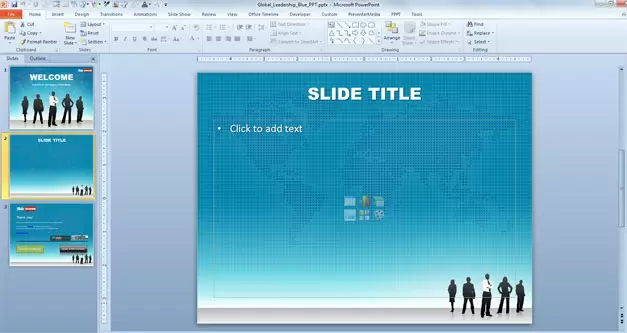
The figure above shows an example of internal slide that you can find inside this free business PowerPoint template.
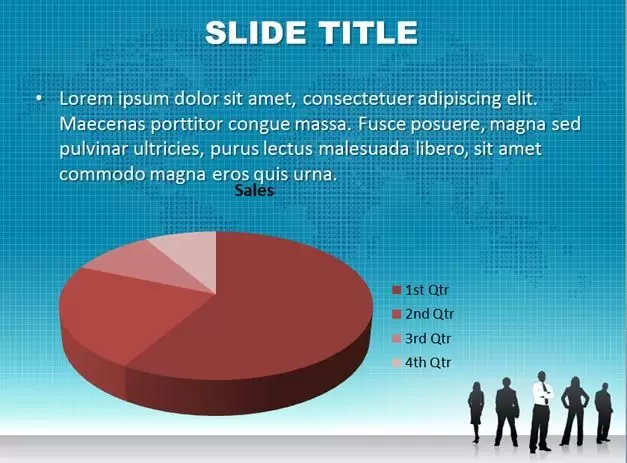
This is an example of internal slide template that you can use to add your presentation content as well as PowerPoint charts and diagrams.
How to customize it
- Download the file. If it arrives as a .zip, extract it to get the .pptx.
- Open it in PowerPoint or Keynote, or upload it to Google Drive and choose Open with › Google Slides.
- Click any shape or text box to edit it. Change colours under Shape Format › Shape Fill.
- Delete the slides you don’t need, then save under a new name.
Questions
Is this template free?
Yes. It is free to download with no account. Free for personal and commercial use. Edit freely, no credit needed. Don’t resell or re-upload the templates themselves.
Does it work in Google Slides or Keynote?
It is a PowerPoint (.pptx) file. Google Slides and Keynote both open .pptx files; upload it to Google Drive and choose Open with › Google Slides, or open it directly in Keynote. Some effects can look slightly different outside PowerPoint.
Can I change the colours and text?
Yes. The diagrams are built from editable shapes and text boxes, so you can recolour, resize and rewrite every element.